Lesson 2: Parts of a Computer (Hardware)
Learning Outcomes
By the end of this lesson, you will be able to:
- Identify the main hardware parts of a computer
- Understand the practical function of each part
- Connect each part to a real-world analogy that makes sense
Your Mission: Become a Computer Explorer!
Imagine you're exploring a new planet—but instead of aliens, you're discovering the amazing parts that make a computer work. Today, you'll learn what's inside and outside the computer, and how each piece helps you do things like play games, watch videos, or do homework!
Illustrative Video : Meet Your Computer's Team
Lesson Content: Detailed Explanations
🖥️ 1. Monitor – The Computer’s Face
What it is below👇: The screen that shows you information from the computer.

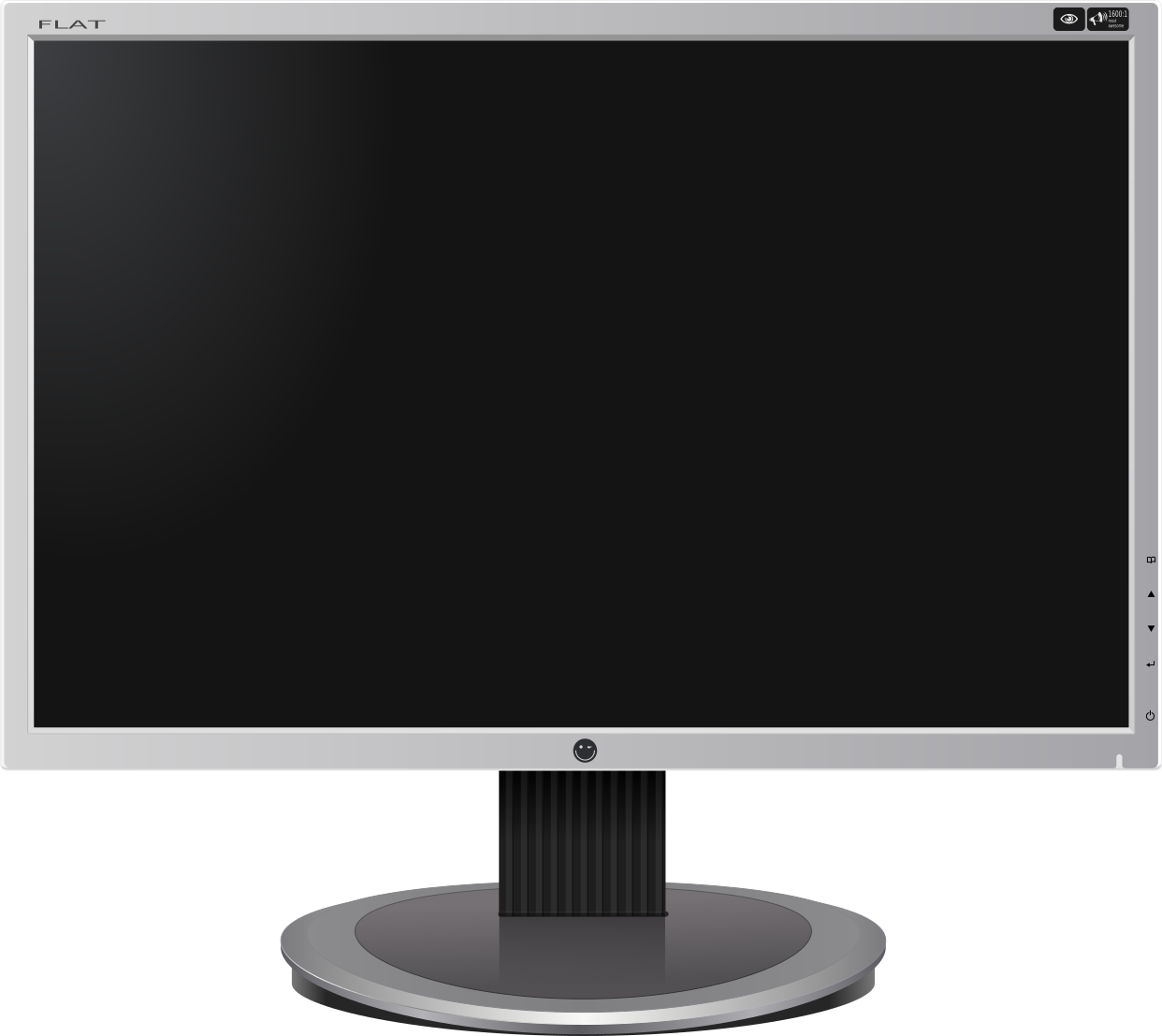
What it does: Displays text, pictures, videos, websites, and games.
Think of it like this: Like a television or a picture frame showing images.
💡 Fun fact:
Monitors can be flat (most common) or curved, which is popular for gaming and movies.
⌨️ 2. Keyboard – The Computer’s Fingers
What it is 👇: A board with keys used for typing.
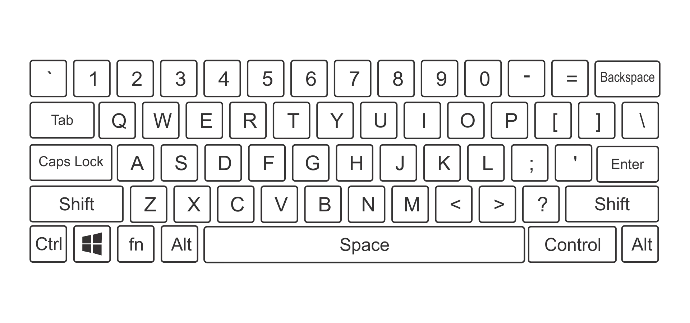
What it does: Sends letters, numbers, and commands to the computer.
Real-life analogy: Like a typewriter or a piano where each key has a function.
🔑 Important keys to know:
Enter / Return ↵ – Like saying “OK, do it!”
Spacebar ␣ – Creates space between words
Backspace ⌫ – Deletes what you typed
Shift ⇧ – Makes capital letters and symbols
🖱️ 3. Mouse – The Computer’s Pointing Finger
What it is: A small device you move with your hand.
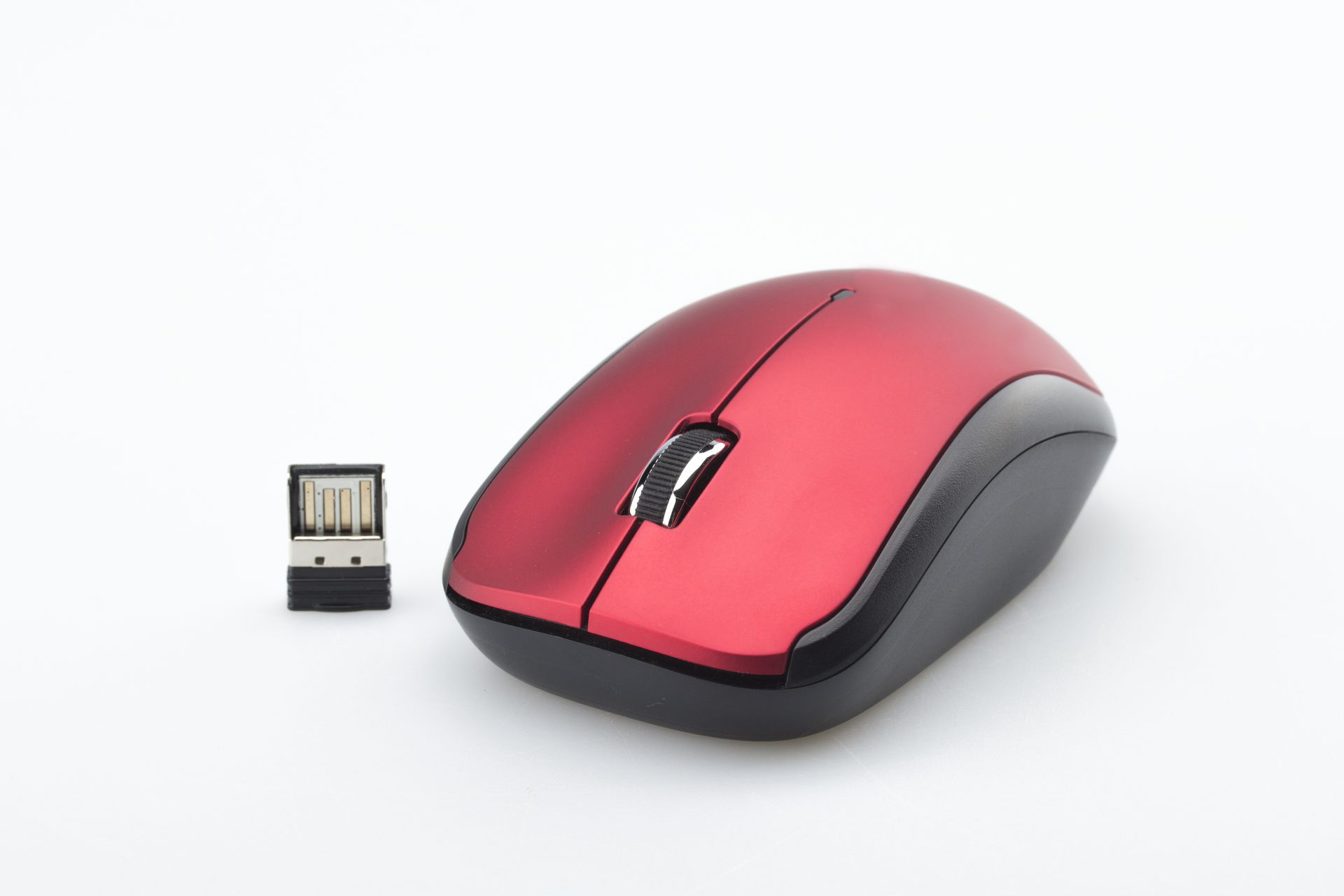
What it does:
Controls the pointer (arrow) on the screen.
Real-life analogy:
Like pointing at something and saying “this one!”
🖱️ Mouse actions:
Click – Select something
Double-click – Open something
Right-click – Show more options
Scroll wheel – Move up and down a page
🧠 4. CPU / Tower – The Computer’s Brain
What it is: The main box that holds the computer’s internal parts.

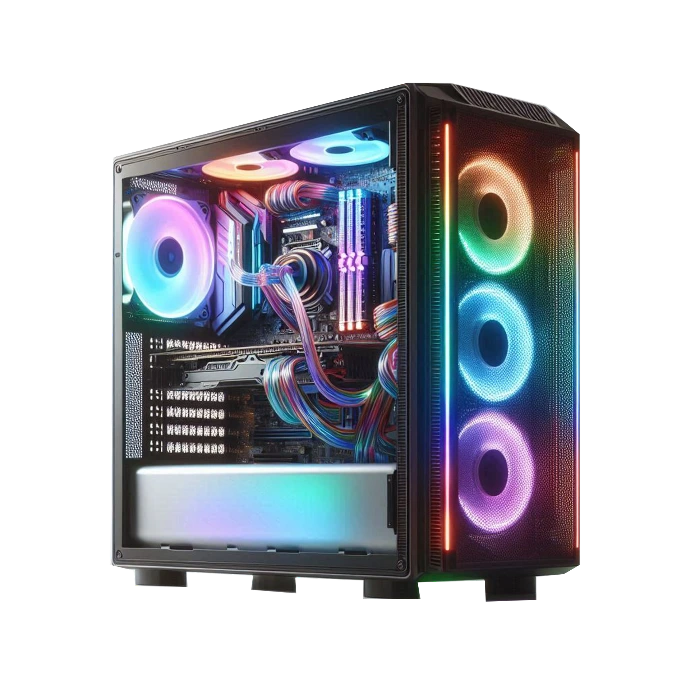
What it does:
Does all the thinking, calculating, and processing.
Real-life analogy:
Like your brain inside your head.
🧩 Inside the tower:
CPU (Processor) – The real brain that calculates
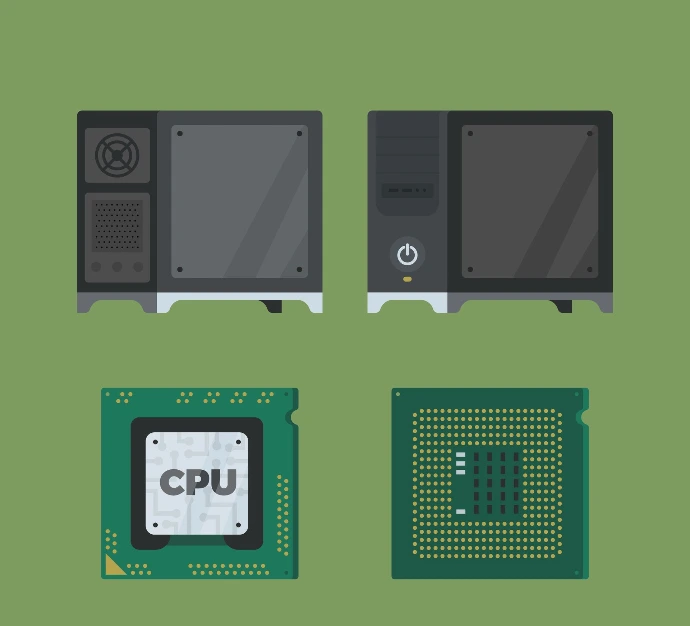
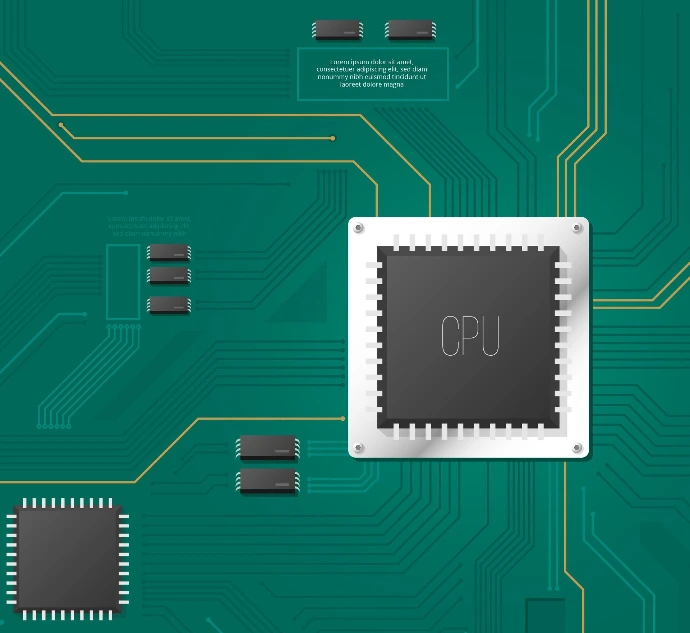
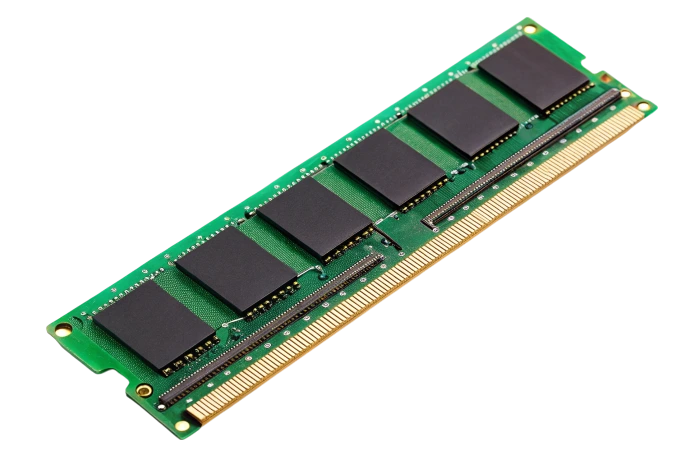
RAM (Memory) – Short-term memory for active work
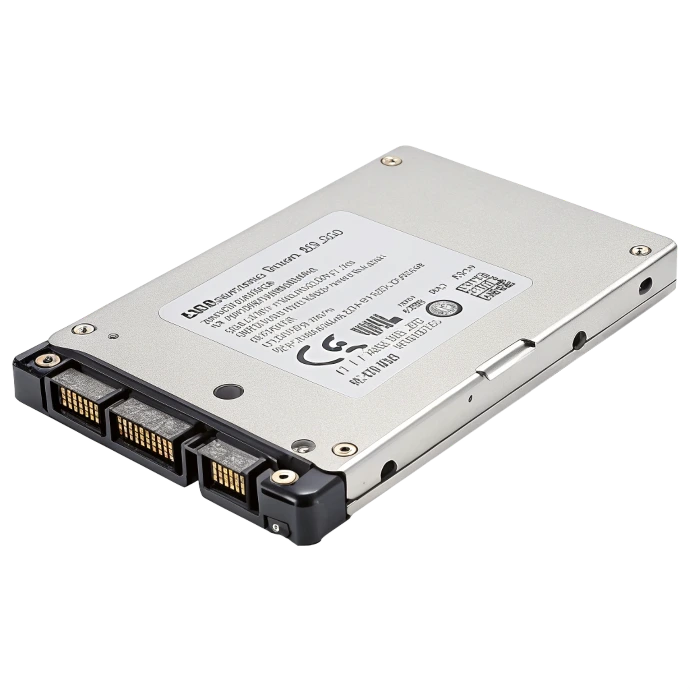
Hard Drive / SSD – Long-term storage for files
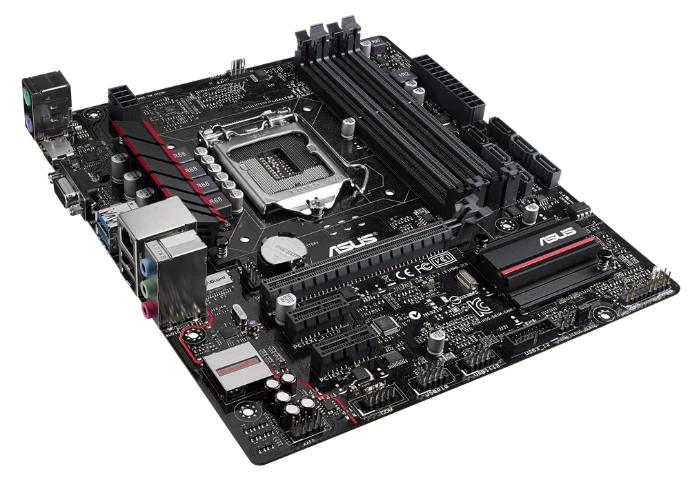
Motherboard – The main board that connects everything
🔊 5. Speakers – The Computer’s Voice
What it is: Devices that produce sound.
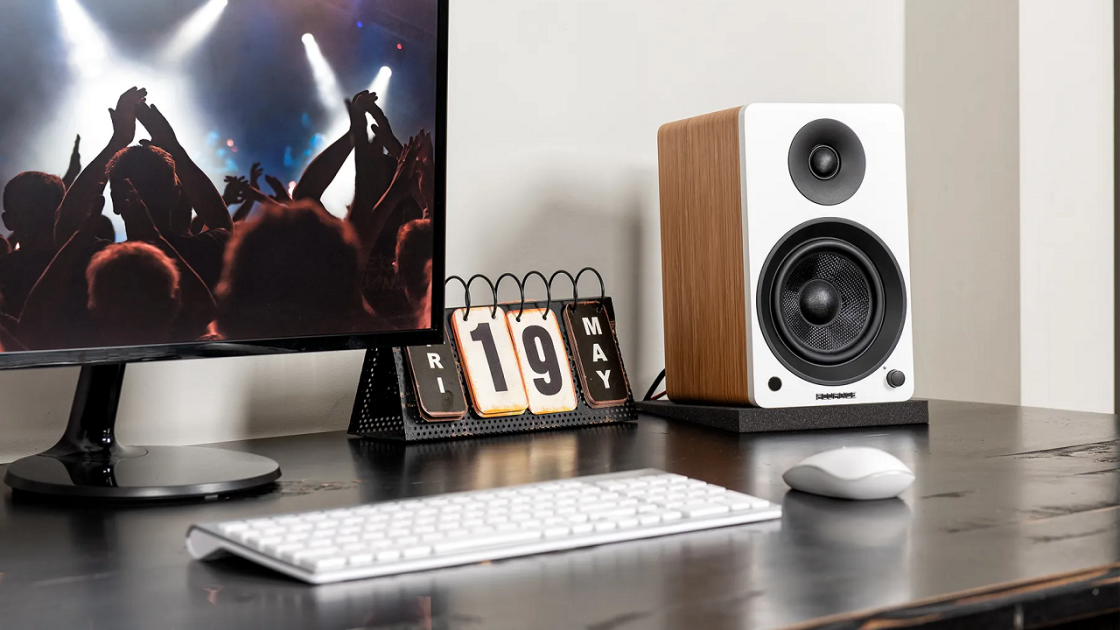

What it does: Plays audio from music, videos, games, and calls.
🎧 Alternatives:
Headphones
Earbuds
(They do the same job but privately)
|
Part |
Looks Like |
Main Job |
Real-Life Analogy |
|
Monitor |
A TV screen |
Shows information |
Face (shows expressions) |
|
Keyboard |
Buttons with letters |
Types input |
Fingers (types/writes) |
|
Mouse |
Small device with buttons |
Points and selects |
Pointing finger |
|
CPU/Tower |
A box with lights |
Thinks and processes |
Brain (does the thinking) |
|
Speakers |
Small boxes or cones |
Makes sound |
Voice (talks to you) |
Common Questions Answered (Click on question to View the answer)
Answer: On a laptop, the "tower" parts are built right under the keyboard! The brain is still there, just in a smaller package.
Answer: Yes! You can use keyboard shortcuts instead. Try pressing the Windows key (or Command on Mac) to open the start menu.
Answer: Two speakers create "stereo" sound—left and right channels make music and movies sound more realistic!
Answer: Then it's both a monitor AND part of the mouse's job! You can touch the screen to click instead of using a mouse.
Remember: Every computer part has a specific job, just like every player on a sports team. When they all work together, you can do amazing things—from homework to video calls to gaming!
Practice pointing to and naming each part on a real computer to reinforce your learning!
Ready to test your hardware knowledge? Take the quiz!
Lesson 2 of the Schopedia Basic Computer Lessons series. © All rights reserved.
By the end of this lesson, you will be able to:
- Identify the main hardware parts of a computer
- Understand the practical function of each part
- Connect each part to a real-world analogy that makes sense
- Answer the Quiz below before proceeding the the next lesson
Rating
There are no comments for now.
to be the first to leave a comment.